Design System Components
Explore our complete design system including colors, typography, and button components. Each element follows our consistent design language.
Colors
Caroline Yellow
#ffce1b
Orange
#fd785c
Green
#00a84e
Blue
#505aff
Black
#000000
White
#ffffff
Typography
Base (Mobile: 14px / Desktop: 18px)
The quick brown fox jumps over the lazy dog
Large (Mobile: 16px / Desktop: 22px)
The quick brown fox jumps over the lazy dog
XL (Mobile: 18px / Desktop: 24px)
The quick brown fox jumps over the lazy dog
2XL (Mobile: 18px / Desktop: 30px)
The quick brown fox jumps over the lazy dog
3XL (Mobile: 24px / Desktop: 32px)
The quick brown fox jumps over the lazy dog
4XL (Mobile: 32px / Desktop: 70px)
The quick brown fox
Wiggle Title Component
Decorative section titles with wiggly line ornaments on each side

My Blog
Recent Projects
Featured Work
Badge Components
Small inline badges for categorization and labeling
Badge Colors
Yellow
Yellow BadgeOrange
Orange BadgeGreen
Green BadgeBlue
Blue BadgeButton Components
Large Buttons
Full-sized buttons for primary actions and CTAs
Small Buttons
Compact buttons for secondary actions and inline elements
Icon Components
Custom SVG icons with multiple color variants for data visualization and decorative elements
Shape Icons
Stars

Triangles





Crabs



Graph Icons
DAG Icons
Graph Icons

Error Bar Icons
Histogram Icons
Medical Icons
Disease Icons

Stethoscope Icons





Hospital Icons


Padlock Icons





Pills Icons
Table Icons
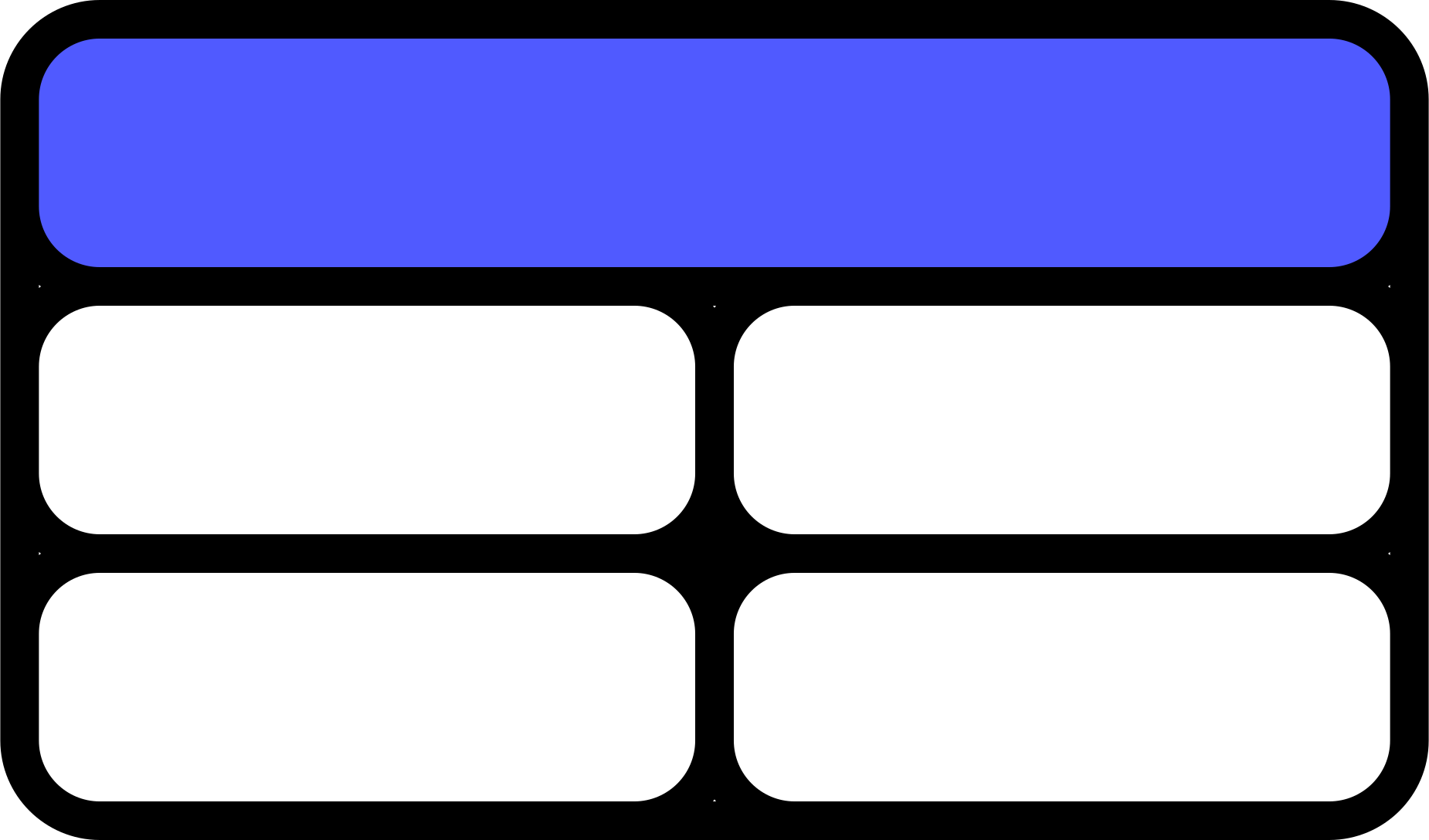
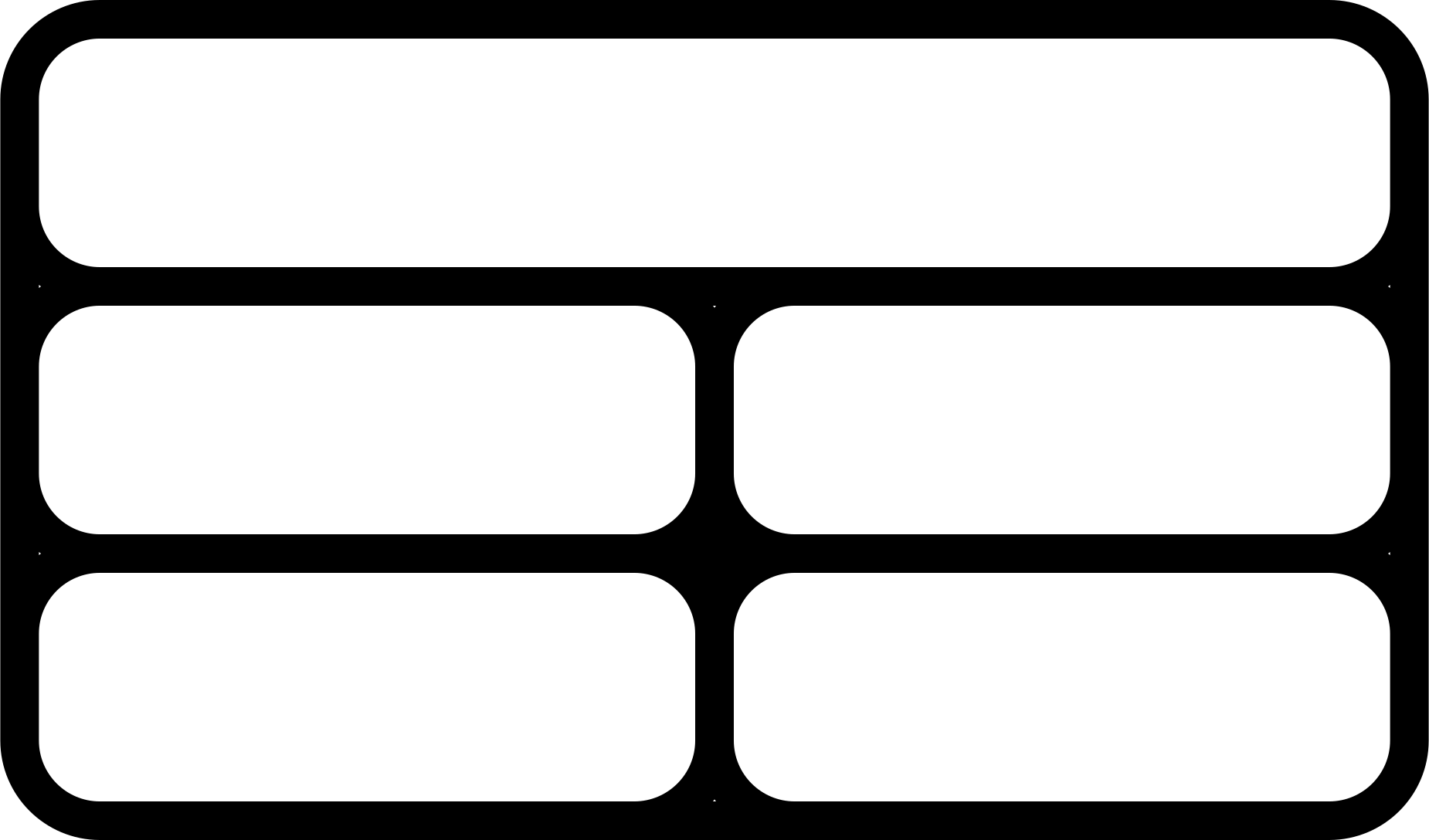
Tech Icons
Tech icons support multiple style variants: base (default), fill, outline, and outline_2
Command/Terminal - Base Style




Command/Terminal - Fill Variant





Command/Terminal - Outline_2 Variant




Code Brackets - Base Style




Code Brackets - Fill Variant


Code Brackets - Outline_2 Variant



Chat/Messages - Base Style



Chat/Messages - Fill Variant





Chat/Messages - Outline_2 Variant




Presentations - Base Style




Presentations - Fill Variant





Presentations - Outline_2 Variant




Documents - Base Style






Books/Documentation - Base Style




Books/Documentation - Fill Variant





Social Media Icons
Inline SVG icons for social media links
Different Sizes
Card Components
Content cards for displaying articles, projects, and featured items
Card Variants
Basic Card
My Work
Lorem ipsum dolor sit amet consectetur adipiscing elit sed diam nonummy.
Card with Default Icon
My Work
Uses the default yellow triangle icon when showIcon=true.
Card with Star Icon
Cards with Custom Icons
Triangle Icon
Graph Icon
Medical Icon
More Card Examples
Multiple Badges with Icon
Research Project
Lorem ipsum dolor sit amet consectetur adipiscing elit sed diam nonummy.
Three Badges with Icon
Data Analysis
Lorem ipsum dolor sit amet consectetur adipiscing elit sed diam nonummy.
Large Card Variant
Large hero-style cards with bigger fonts and left-aligned text, perfect for callouts and featured content
Large Card (matches hero style)
Sometimes I speak at conferences.
Want me to speak at yours?
Card without Button
Simple Card
This card has no button and no icon - just title and description.
Card with Icon Only
This card has an icon but no button.
Card with Badges Only
This card has badges but no button.
Split Section Component
Full-width split-screen layout component with different background colors on each side. Supports customizable padding and max-width for content.
Example with Different Backgrounds
Left Side Content
This demonstrates the split section component with green background on the left side and orange on the right.
Right Side Content
Content can be any partial or HTML. The divider line automatically appears between different colored sections.
Example with Same Background (No Divider)
Unified Background
When both sides have the same background color, no divider line is shown.
Seamless Layout
Perfect for side-by-side content that belongs together.
Blog Header Component
Specialized header component for blog posts featuring title, author info, date, and category badges
Example Blog Post Title Goes Here

Caroline Morton
<p class="font-normal text-lg md:text-xl text-black hidden md:block">/</p>

<div class="flex gap-3 md:gap-4 items-center">
  <div class="w-5 h-5 md:w-6 md:h-6 flex-shrink-0">
    <img src="/icons/calendar-icon.svg" alt="Date" class="w-full h-full" />
  </div>
  <p class="font-normal text-lg md:text-xl text-black">October 14, 2025</p>
</div>
Image Rows Component
Alternating icon and card layout perfect for timelines, career journeys, or sequential content
Example Timeline
Step One
Icon on the left, card on the right
<div class="flex flex-col lg:flex-row gap-8 items-center">
  <div class="w-full lg:w-1/2 order-2 lg:order-1">


                Step Two


              Card on the left, icon on the right


  </div>
  <div class="w-full lg:w-1/2 flex items-center justify-center order-1 lg:order-2">
    <img src="/icons/stethoscope_green.svg" alt="stethoscope" width="150" height="150" />
  </div>
</div>

<div class="flex flex-col lg:flex-row gap-8 items-center">
  <div class="w-full lg:w-1/2 flex items-center justify-center">
    <img src="/icons/pills_yellow.svg" alt="pills" width="150" height="150" />
  </div>
  <div class="w-full lg:w-1/2">


                Step Three


              Alternating layout continues


  </div>
</div>
List Card Component
Full-width card with icon/image, title, badge, description, and chevron. Designed for list pages.
List Card with Icon
This card component is perfect for displaying lists of content with icons, badges, and descriptions.
Another List Item
Each card is a clickable link with hover effects and a chevron indicating it's interactive.
Third Example Card
Icons can be specified by name using the icon component or as direct image paths.
Usage Examples
Buttons
In Content Files (Markdown)
{{< button label="Click Me" href="/page" color="orange" size="large" target="_self" >}}
In Templates (HTML)
{{ partial "components/button" (dict
  "label" "Click Me"
  "href" "/page"
  "color" "orange"
  "size" "large"
  "target" "_self"
) }}
Parameters
- label: Button text (default: “Button Text”)
- href: Link URL (default: “#”)
- color: yellow, orange, green, or blue (default: orange)
- size: small or large (default: large)
- target: _blank or _self (default: _self)
Badges
In Content Files (Markdown)
{{< badge label="Badge Text" color="yellow" >}}
In Templates (HTML)
{{ partial "components/badge" (dict
  "label" "Badge Text"
  "color" "yellow"
) }}
Parameters
- label: Badge text (default: “Badge”)
- color: yellow, orange, green, or blue (default: yellow)
Wiggle Titles
In Content Files (Markdown)
{{< wiggle-title title="My Blog" >}}
{{< wiggle-title title="Recent Projects" decorativeIcon="/icons/wiggle_white.svg" >}}
In Templates (HTML)
{{ partial "components/wiggle-title.html" (dict
  "title" "My Blog"
  "decorativeIcon" "/icons/wiggle_white.svg"
) }}
Parameters
- title: Title text to display (default: “Title”)
- decorativeIcon: Path to decorative icon SVG (default: “/icons/wiggle_white.svg”)
Icons
In Content Files (Markdown)
{{< partial "icon.html" (dict "icon" "star" "color" "yellow" "size" "48") >}}
{{< partial "icon.html" (dict "icon" "command_fill" "color" "blue" "size" "48") >}}
In Templates (HTML)
{{ partial "icon.html" (dict
  "icon" "star"
  "color" "yellow"
  "size" "48"
  "class" "additional-classes"
) }}
Parameters
- icon: Icon name (e.g. star, triangle, crab, dag_1, command, command_fill, brackets_outline_2, etc.)
- color: Color variant - yellow, orange, green, blue, white, black, outline (default: yellow)
- size: Size in pixels (default: 48)
- class: Additional CSS classes for styling
All icons live in static/icons/ with the naming pattern {icon}_{color}.svg.
Cards
In Content Files (Markdown)
{{< card title="Card Title" description="Card description text" showIcon=true badges="[{\"label\":\"Tag 1\",\"color\":\"green\"},{\"label\":\"Tag 2\",\"color\":\"yellow\"}]" buttonText="Button Text" buttonLink="/link" >}}

{{< card title="Card Title" icon="star" iconColor="yellow" iconSize="48" description="Card with custom icon" buttonText="Learn More" buttonLink="/link" >}}

{{< card title="Large Card Title" description="Large hero-style card with bigger fonts" size="large" >}}
In Templates (HTML)
{{ partial "components/card" (dict
  "title" "Card Title"
  "description" "Card description text"
  "showIcon" true
  "badges" (slice
    (dict "label" "Tag 1" "color" "green")
    (dict "label" "Tag 2" "color" "yellow")
  )
  "buttonText" "Button Text"
  "buttonLink" "/link"
) }}

{{ partial "components/card" (dict
  "title" "Card Title"
  "icon" "star"
  "iconColor" "yellow"
  "iconSize" "48"
  "description" "Card with custom icon"
  "buttonText" "Learn More"
  "buttonLink" "/link"
) }}

{{ partial "components/card" (dict
  "title" "Large Card Title"
  "description" "Large hero-style card with bigger fonts"
  "size" "large"
) }}
Parameters
- title: Card title (default: “Card Title”)
- description: Card body text (default: Lorem ipsum…)
- size: “small” (default) or “large” - large cards match hero style with bigger fonts and left-aligned text
- showIcon: Show/hide default yellow triangle icon (default: false) - only for small cards
- icon: Custom icon name (star, triangle, crab, dag_1, graph_1, etc.) - overrides showIcon - only for small cards
- iconColor: Color for custom icon (yellow, orange, green, blue, white, outline) - only for small cards
- iconSize: Size for custom icon in pixels (default: 48) - only for small cards
- badges: Array of badge objects with label and color (default: empty) - only for small cards
- buttonText: Button label (optional, no button if not provided) - only for small cards
- buttonLink: Button URL (default: “#”) - only for small cards
Split Section Component
In Templates (HTML)
{{ partial "components/split-section.html" (dict
  "leftBgColor" "bg-green"
  "rightBgColor" "bg-orange"
  "leftContent" (partial "some-partial.html" .)
  "rightContent" (partial "another-partial.html" .)
  "leftMaxWidth" "780px"
  "rightMaxWidth" "780px"
  "padding" "default"
) }}
Parameters
- leftBgColor: Background color class for left side (e.g., “bg-green”) - default: “bg-green”
- rightBgColor: Background color class for right side (e.g., “bg-orange”) - default: “bg-orange”
- leftContent: HTML content for left side (passed via .leftContent)
- rightContent: HTML content for right side (passed via .rightContent)
- leftMaxWidth: Max-width for left content (default: “780px”) - use “none” for no max width
- rightMaxWidth: Max-width for right content (default: “780px”) - use “none” for no max width
- padding: Padding size - “default” (200px) or “compact” (80px on large screens) - default: “default”
Note: When both sides have the same background color, no divider line is shown automatically.
Blog Header Component
In Templates (HTML)
{{ partial "components/blog-header.html" . }}
Parameters
This component automatically reads from the page context (.):
- .Title: Post title
- .Params.author: Author name or array of author names
- .PublishDate: Publication date
- .Params.categories: Array of category names
Categories are automatically colored using the site.Data.taxonomies.categories mapping.
Image Rows Component
In Templates (HTML)
{{ partial "components/image-rows.html" (dict
  "backgroundColor" "bg-orange"
  "title" "My Career Journey"
  "items" (slice
    (dict
      "title" "First Position"
      "description" "Description of the position"
      "icon" "stethoscope"
      "iconColor" "blue"
      "iconPosition" "left"
      "year" "2020"
    )
    (dict
      "title" "Second Position"
      "description" "Description of the position"
      "icon" "/images/custom-icon.svg"
      "iconPosition" "right"
      "year" "2022"
    )
  )
) }}
Parameters
- backgroundColor: Background color class (e.g., “bg-orange”) - default: “bg-orange”
- title: The wiggle title text - default: “My Career Journey”
- items: Array of items, each containing:
- title: Card title
- description: Card description
- icon: Icon name (e.g., “stethoscope”) OR path to icon (e.g., “/icons/stethoscope.svg”)
- iconColor: Icon color (optional, only used when icon is a name, not a path)
- iconPosition: “left” or “right” (determines which side the icon appears) - default: “left”
- year: Optional year to display on the card
List Card Component
In Templates (HTML)
{{ partial "components/list-card.html" (dict
  "title" "Card Title"
  "description" "Card description"
  "icon" "stethoscope"
  "iconColor" "blue"
  "iconSize" "80"
  "type" "Paper"
  "link" "/path/to/page"
  "maxWidth" "1200px"
  "filterUrl" "/work/"
) }}
Parameters
- title: Card title (default: “Card Title”)
- description: Card description/body text (default: “Card description”)
- icon: Icon name for icon component (e.g., “stethoscope”, “dag_1”) - optional
- iconColor: Icon color (e.g., “blue”, “yellow”) - only used with icon parameter - optional
- image: Image path (e.g., “/images/photo.jpg”) - fallback if icon not provided - optional
- iconSize: Size of icon/image in pixels (default: 80)
- type: Content type (e.g., “Paper”, “Blog Post”) for badge display - optional
- link: URL to link to (default: “#”)
- maxWidth: Maximum width for the card - optional (no max width by default)
- filterUrl: Base URL for filter links (e.g., “/work/rust/” or “/phd/”) - optional
Note: Type badges are automatically colored using the site.Data.taxonomies.types mapping.